
WARDOGS Twitch Drops Guide: Link Account, Claim Rewards and Fix Missing Items
Claim all WARDOGS Season 1 Twitch Drops before September 30, 2026. Step-by-step account linking guide, reward tiers, and how to fix missing inventory items.
What are the WARDOGS Season 1 Twitch Drops rewards?
To celebrate the Early Access launch, BULKHEAD and Team17 are hosting an official Twitch Drops campaign running from September 10 through September 30, 2026. Players who watch any Twitch creator streaming in the WARDOGS directory with drops enabled can unlock tiered cosmetics, currency vouchers, and combat crates.
This video is playing in the corner.

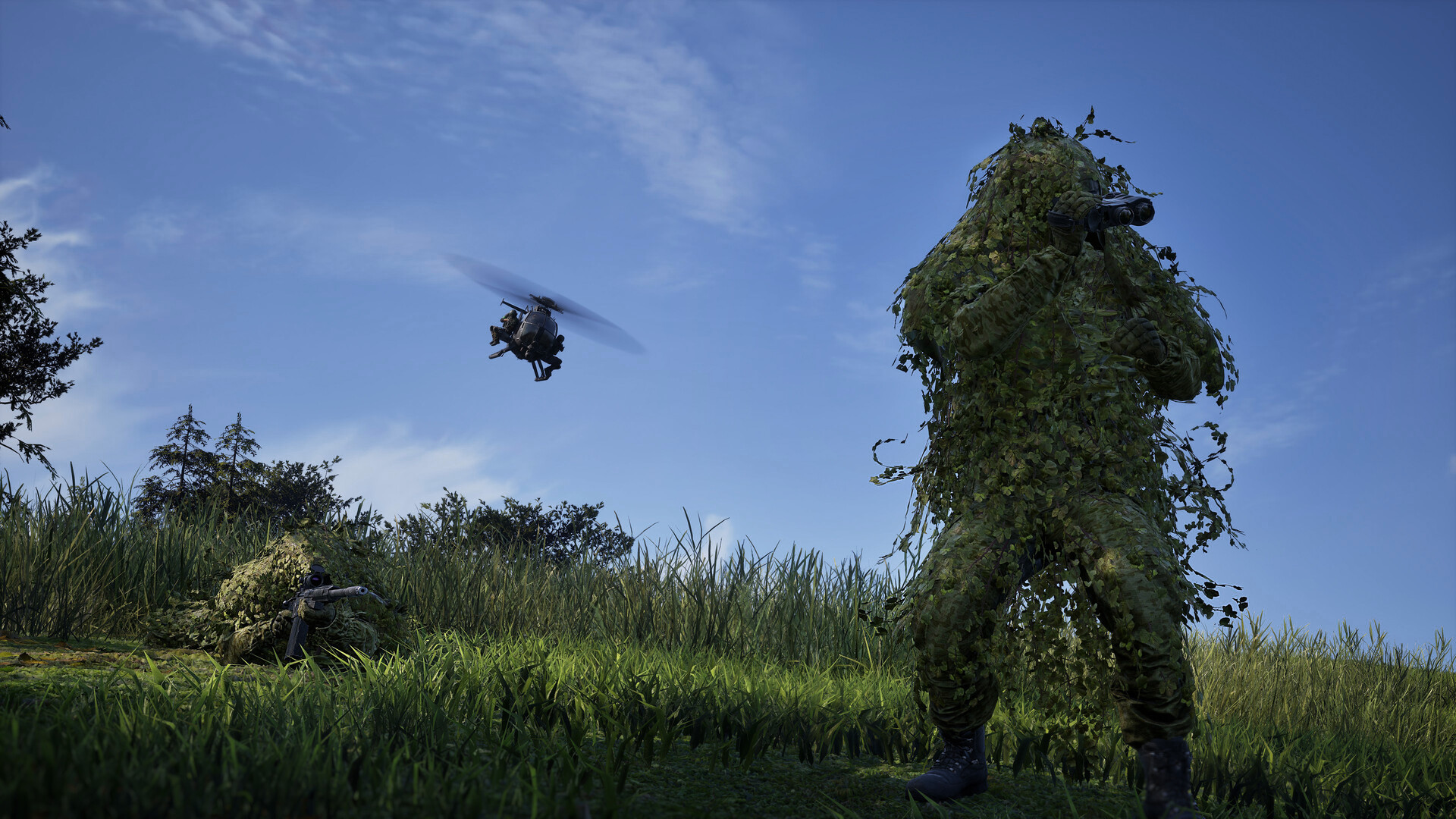
Drop Tiers and Watch Time Requirements
Unlike game keys or beta invites, all launch drops are cumulative. You do not need to watch in a single continuous session:
| Watch Time | Reward Name | Item Type | In-Game Utility & Value |
|---|---|---|---|
| 1 Hour | Frontline Pioneer | Profile Banner & Patch | Account cosmetic badge showing Early Access Day 1 participation |
| 2 Hours | Desert Hazard | Weapon Charm & Bronze Crate | Universal rifle charm + Bronze Crate ($2,500 liquid wallet bonus) |
| 3 Hours | Phantom Vanguard | Operator Uniform Camo | High-contrast woodland/urban camouflage skin (all factions) |
| 4 Hours | Black Market Elite | Gold Combat Crate | $10,000 cash equivalent + 1x Level 3 Heavy Ceramic Armor Plate |
How do you link your Steam and Twitch accounts?
Account linking is handled through the official WARDOGS identity portal. You must link your accounts before or during the stream watch period; rewards claimed on an unlinked Twitch profile will not sync to Steam automatically.
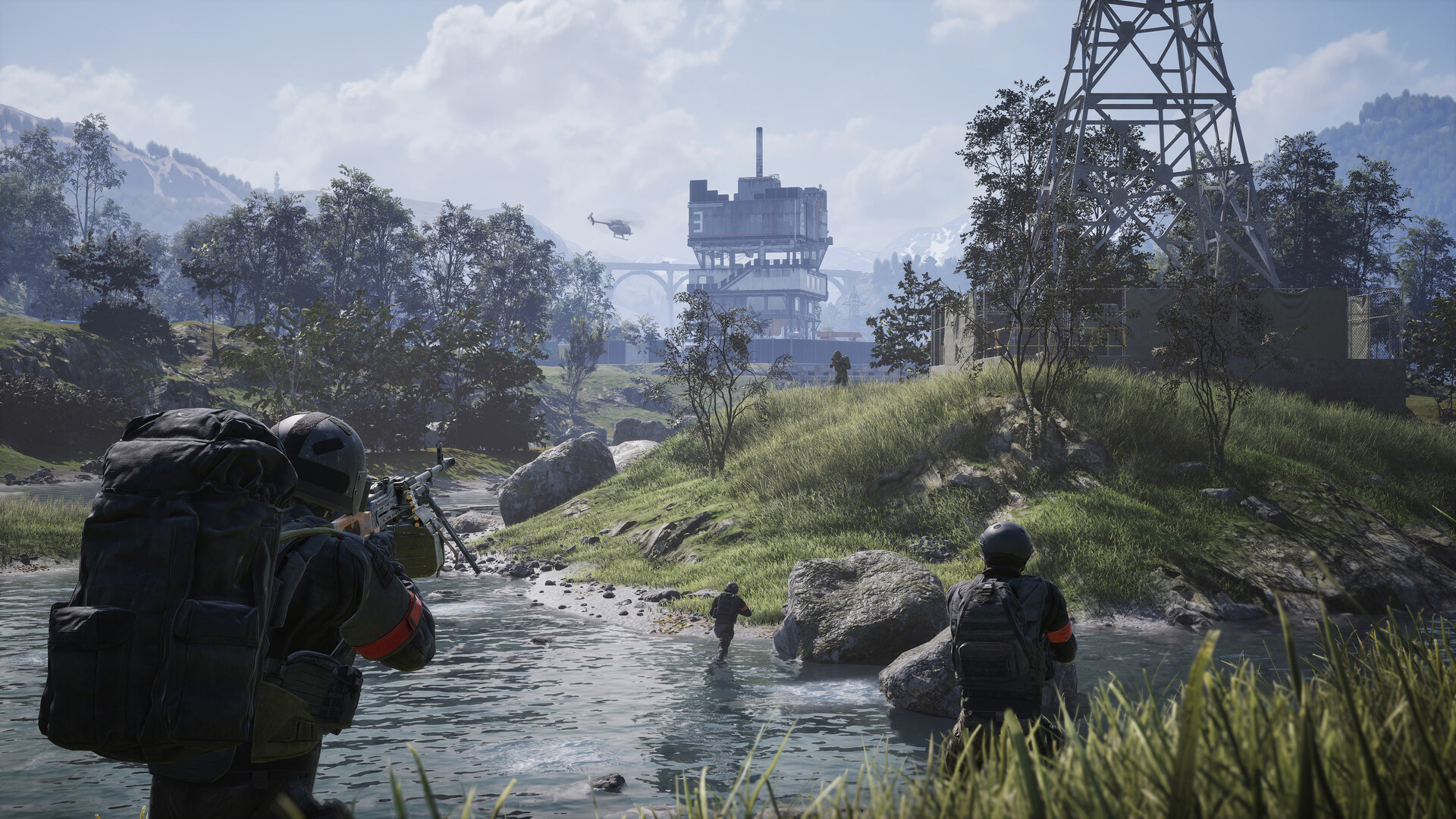
Step-by-Step Linking Procedure
- Open the Portal: Navigate to the official portal at
https://account.wardogs.comin your web browser. - Authenticate with Steam: Click Sign in with Steam. Ensure you log into the exact Steam account that owns the WARDOGS Early Access license.
- Connect Twitch Account: In the account dashboard under Connected Services, locate the Twitch tile and click Link Account.
- Authorize Permissions: Log into your Twitch account and authorize the
WARDOGS Drops Integrationclient. - Verify Confirmation: Look for green checkmarks on both Steam and Twitch tiles displaying
Linked (Ready for Drops).
How do you claim drops and verify in-game delivery?
*Claiming rewards requires an active manual confirmation inside Twitch before Steam can process the item grant.
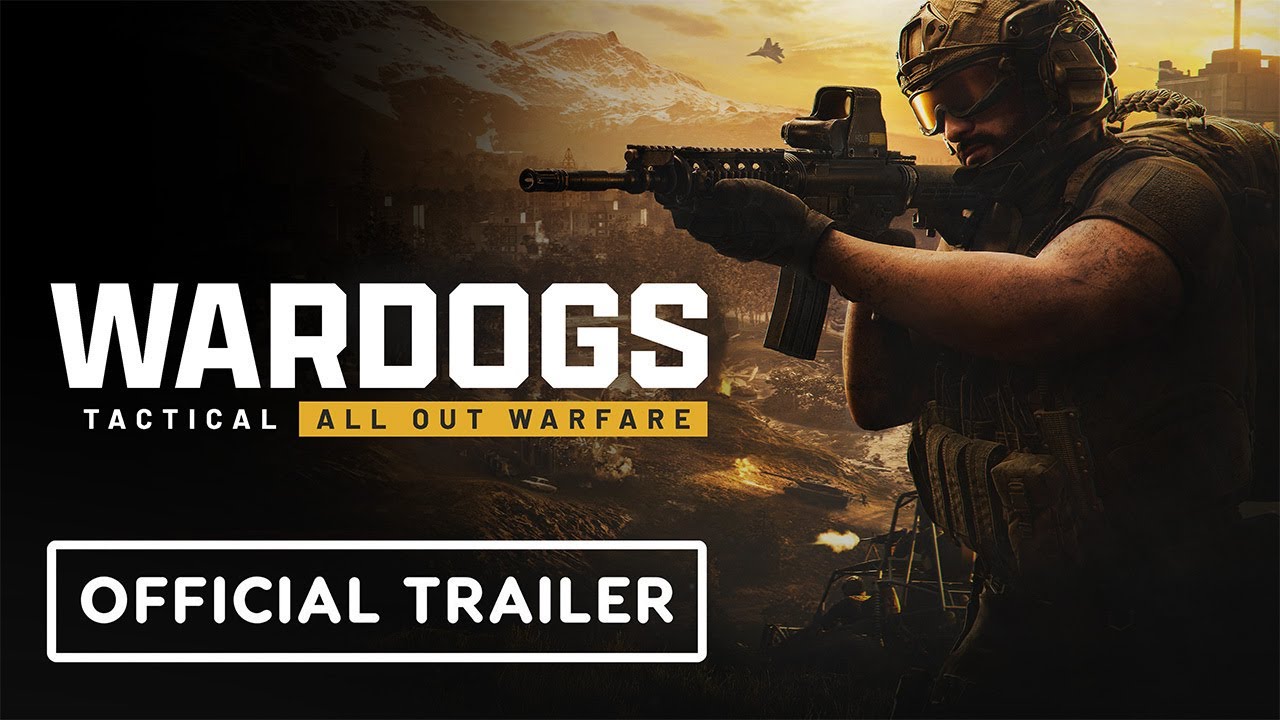
Claiming Steps
- While watching an eligible stream, monitor your progress bar in the top-right Twitch profile dropdown or on the Twitch Drops Inventory page.
- Once a milestone reaches 100%, click the purple Claim Now button. Twitch will mark the item as
Claimed. - Launch or restart WARDOGS via Steam.
- From the main menu, navigate to Customization > Armory to equip your weapon charm on your favorite rifles (see the Weapon Tier List for top picks) and apply the operator camo.
- Any earned cash and supply crates will appear directly in your Vendor Inventory screen for redemption before joining a Squad with Friends.
Troubleshooting: Why are your Twitch Drops not showing in game?
With concurrent player counts exceeding 400,000, backend database queues can temporarily delay item delivery. Follow these verified fixes to resolve missing items:
1. Wait for Steam Inventory Flush (15-30 Minutes)
During peak server traffic, Steam’s inventory dispatch system batches item drops in 15-minute intervals. Do not panic if rewards are not visible immediately after clicking claim.
2. Force an Inventory Handshake
If 30 minutes have passed and your armory remains empty:
- Completely exit WARDOGS and shut down the Steam client.
- Press
Ctrl + Shift + Escto ensurewardogs.exehas fully terminated. - Restart Steam, then relaunch WARDOGS. This forces the client to query Steam’s cloud inventory API upon initial connection.
3. Manual Re-Sync on Account Portal
If the items are still absent:
- Return to
https://account.wardogs.com. - Scroll to the bottom of the dashboard and click Force Re-Sync Inventory.
- This resends the OAuth drop authorization token to Steam’s API endpoint.
4. Audio Mute vs Tab Mute Twitch Policy
If your watch progress bar is not advancing:
- Do not mute the Twitch video player directly. Twitch’s automated anti-bot algorithm pauses progress tracking if the native video volume is set to 0.
- Instead, keep the video volume at 5% and mute the entire browser tab in Windows (right-click browser tab > Mute Tab).
FAQ
When does the WARDOGS Season 1 Twitch Drops event end?
Why are my claimed Twitch Drops not showing in WARDOGS?
Can I earn WARDOGS drops on mobile or console Twitch apps?
Related videos

Where are you headed next?
Related Intel
guides
Infantry Anti-Tank Guide: Armor Combat and Mobility Kills
Stop armored vehicles as infantry in WARDOGS: avoid front Red Zone armor, score mobility kills on tracks/engines, and master IED/C4 math.
guides
WARDOGS Launch FAQ: System Requirements and Platforms
Official WARDOGS launch FAQ: PC system requirements, 3-team KotH genre details, $39.99 zero-MTX policy, GeForce NOW, and 2028 console release.
guides
Combat Medic Guide: Support Logistics, Revives and FOBs
Master the Combat Medic role in WARDOGS: backpack loadouts, Mobile Respawn Vehicles in Hot Zones, FOB placement rules, and door discipline.
Was this intel helpful?
Thanks for the feedback!