
How to Play with Friends in WARDOGS: Squads & Server Queuing
Step-by-step guide to grouping with friends in WARDOGS: Steam join-game workarounds, bypassing team balance locks, locking private squads, and voice chat.
Why is playing with friends tricky in Early Access?
The most common complaint from new groups entering WARDOGS is the absence of a pre-game party system in the main menu. Because matches feature 100 players split evenly into three competing factions (33 players per team), automated team-balancing algorithms will frequently separate groups into rival teams if they queue into full servers individually.
This video is playing in the corner.

Until BULKHEAD introduces a centralized party matchmaking hub later in the Early Access roadmap, squads must follow specific server-queuing procedures to guarantee they fight together under the same faction banner.
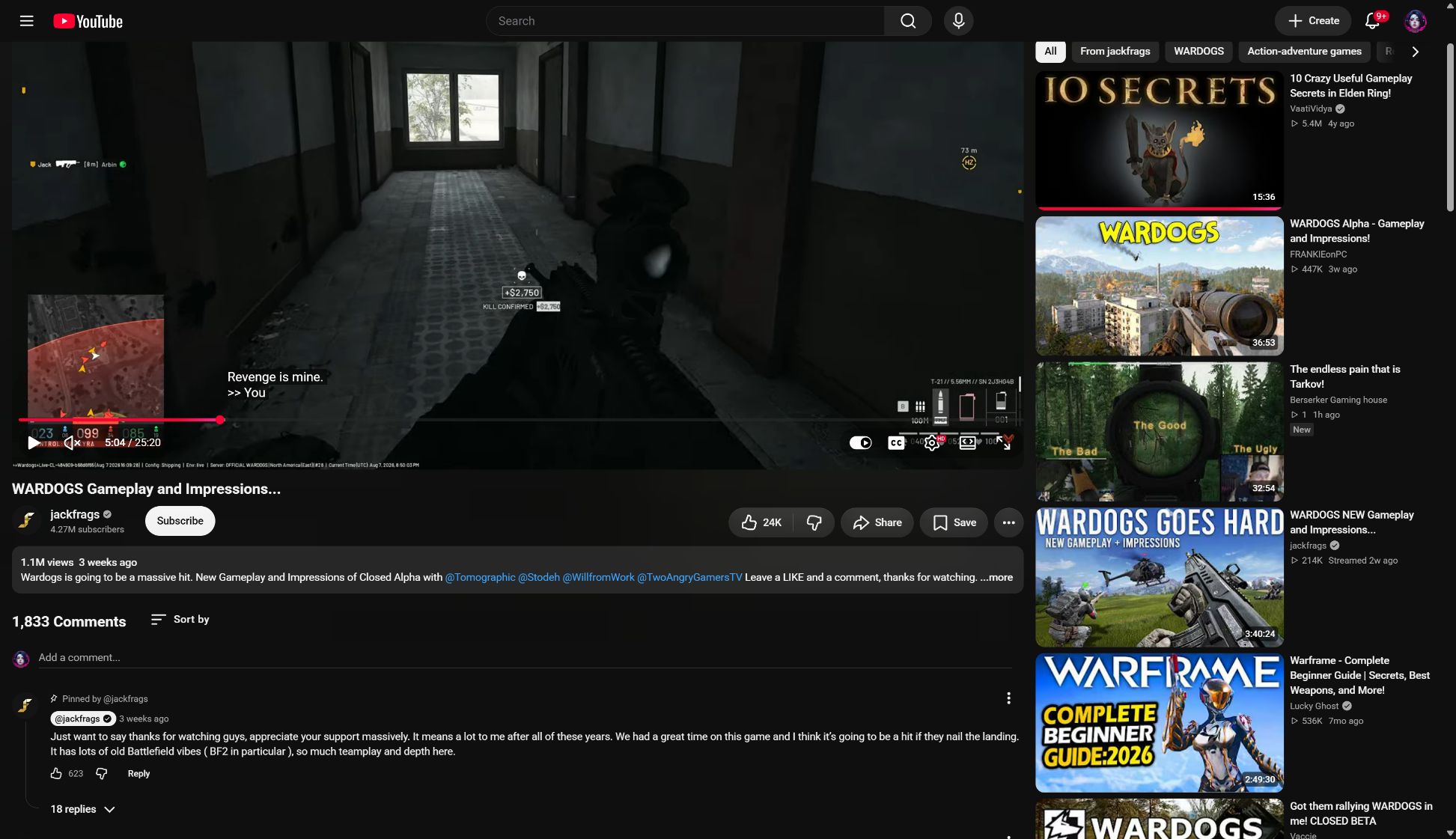
The Steam Overlay “Join Game” Workaround
The most reliable method to ensure your squad plays on the same faction is using the Steam Friends List rather than the in-game Server Browser directly.
Step 1: Scout an Under-Populated Server
Have your designated Squad Leader browse the server list and select a server running at 40% to 65% capacity (typically 40 to 65 total players).
Step 2: Squad Leader Deploys and Selects Faction
The leader connects to the server and picks your desired team from the Factions Overview:
- Lonestar (Blue PMC)
- Valkyra (Red Eastern Bloc)
- Manticore (Green Middle Eastern PMC)
Step 3: Friends Trigger “Join Game” via Steam
Once the leader is loaded into the deployment vendor camp:
- Friends open the Steam Overlay (
Shift + Tab). - Right-click the Squad Leader’s avatar in the friends list.
- Click Join Game (or accept a Steam game invite sent by the leader).
- The game client automatically bypasses the team selection screen and forces your character onto the leader’s faction, provided team slots remain open.
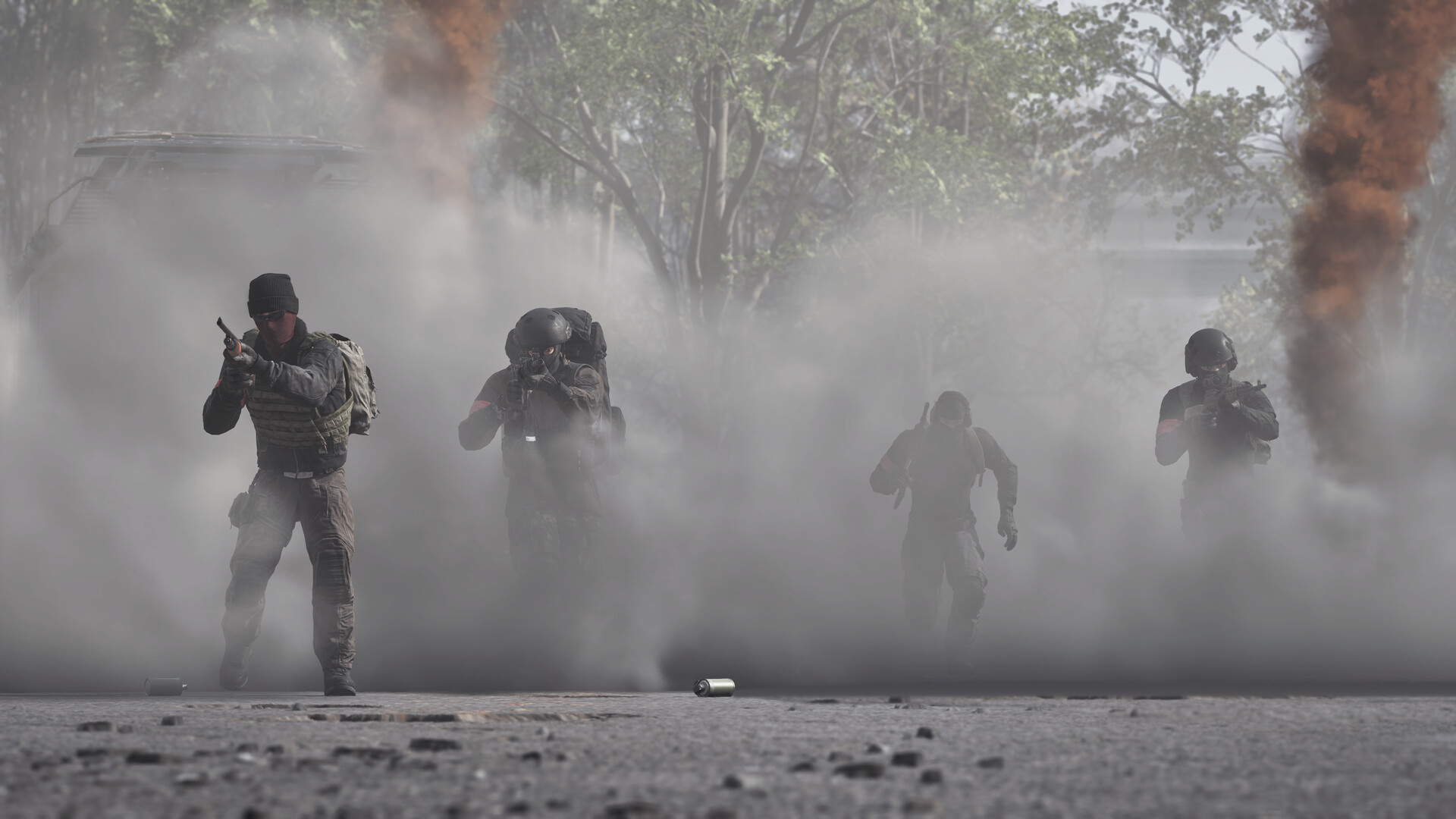
How to Create and Lock a Squad In-Match
Spawning into the same faction does not automatically put your group into the same tactical squad. To see each other’s green nameplates, share respawn beacons, and access squad radio, you must form an internal squad:
- Press Escape and navigate to the Squads tab.
- If available, click Create Squad and name your unit (e.g., “Viper 1”).
- Set your squad privacy setting:
- Open: Any team member can fill empty slots.
- Request to Join: Players can ask permission, and the Squad Leader accepts or denies.
- Locked / Invite Only: Only invited Steam friends can occupy slots.
- Have your friends click on your squad name and select Join.
Squad leaders can place tactical map markers by holding the middle mouse button on the tactical map, which broadcasts coordinates directly to squadmates’ compass ribbons.
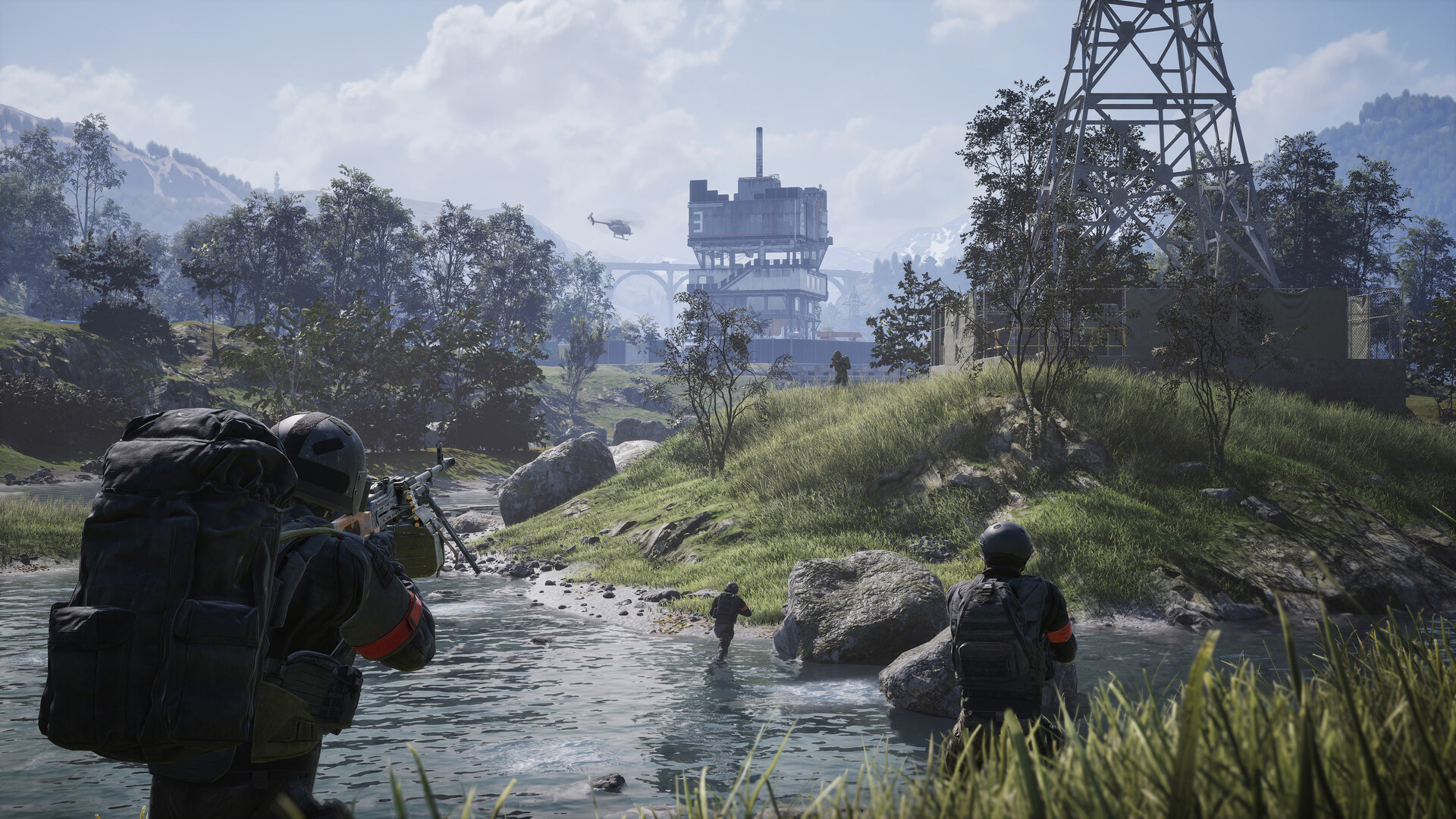
Fixing Voice Chat: Proximity vs. Squad Audio Channels
WARDOGS uses two distinct voice channels that often confuse new combat squads:
| Voice Channel | Default Keybind | Audio Propagation | Optimal Use Case |
|---|---|---|---|
| Squad Radio | V Key | Global across all squadmates anywhere on map | Strategy calls, callouts, artillery requests |
| Local Proximity | B Key | 25-meter realistic spatial falloff | Talking to nearby tank crews, medics, or friendly squads |
Troubleshooting Microphone Failure
If your voice chat fails to transmit or receive in-game:
- Windows Default Device: WARDOGS relies on the Windows Default Communications Device. Open Windows Sound Settings, ensure your headset and mic are set as default before launching the game.
- Push-to-Talk Verification: Confirm that your push-to-talk key is not bound to a key already claimed by movement or vehicle controls.
- Audio Engine Restart: If voice randomly drops during prolonged 2-hour matches, toggle Voice Chat to
Disabled, apply settings, and toggle back toEnabledto force a client re-connection to the voice server.
For tactical loadout synergies that maximize squad survival, consult our Best Loadouts Guide and Anti-Tank Infantry Guide.
FAQ
Does WARDOGS have a main menu party lobby system?
How do I guarantee my friends and I get placed on the same faction?
How do I lock my squad so random players cannot join?
Related videos

Where are you headed next?
Related Intel
guides
How to Avoid Going Broke in WARDOGS: The SSS Scavenger Strategy
Master WARDOGS economy: survive the bankruptcy trap, manage starting cash, adopt the viral SSS scavenger looting meta and recover with $0 starter kits.
guides
WARDOGS Armor & Damage Guide: Plates, Helmets and Leg Meta
Master WARDOGS ballistic armor: Level 1–3 plate durability, helmet headshot protection, Armor Piercing (AP) ammo, and the high-TTK leg meta.
guides
WARDOGS FOB Building & Logistics: Supply Trucks and Fortifications
Master Forward Operating Base construction in WARDOGS: logistics supply truck routes, spawn beacon placement, hammer building tiers, and base defense.
Was this intel helpful?
Thanks for the feedback!