
WARDOGS PC Settings Guide: FPS Optimization, Stutter Fix and Controls
Optimize WARDOGS UL5 graphics, fix shader cache stuttering, tune DLSS/FSR sharpening, and configure flight and lean keybinds.
Which PC graphics settings deliver the highest competitive performance?
WARDOGS is powered by Unreal Engine 5, combining high-fidelity volumetric lighting, dynamic destruction, and 100-player combined-arms scale. Achieving a stable 120+ FPS with flat frametimes is crucial for spotting enemies across 256 km²�� maps like Bakurani and Ozeti. New recruits should also review the Beginner Guide for deployment framework.
This video is playing in the corner.

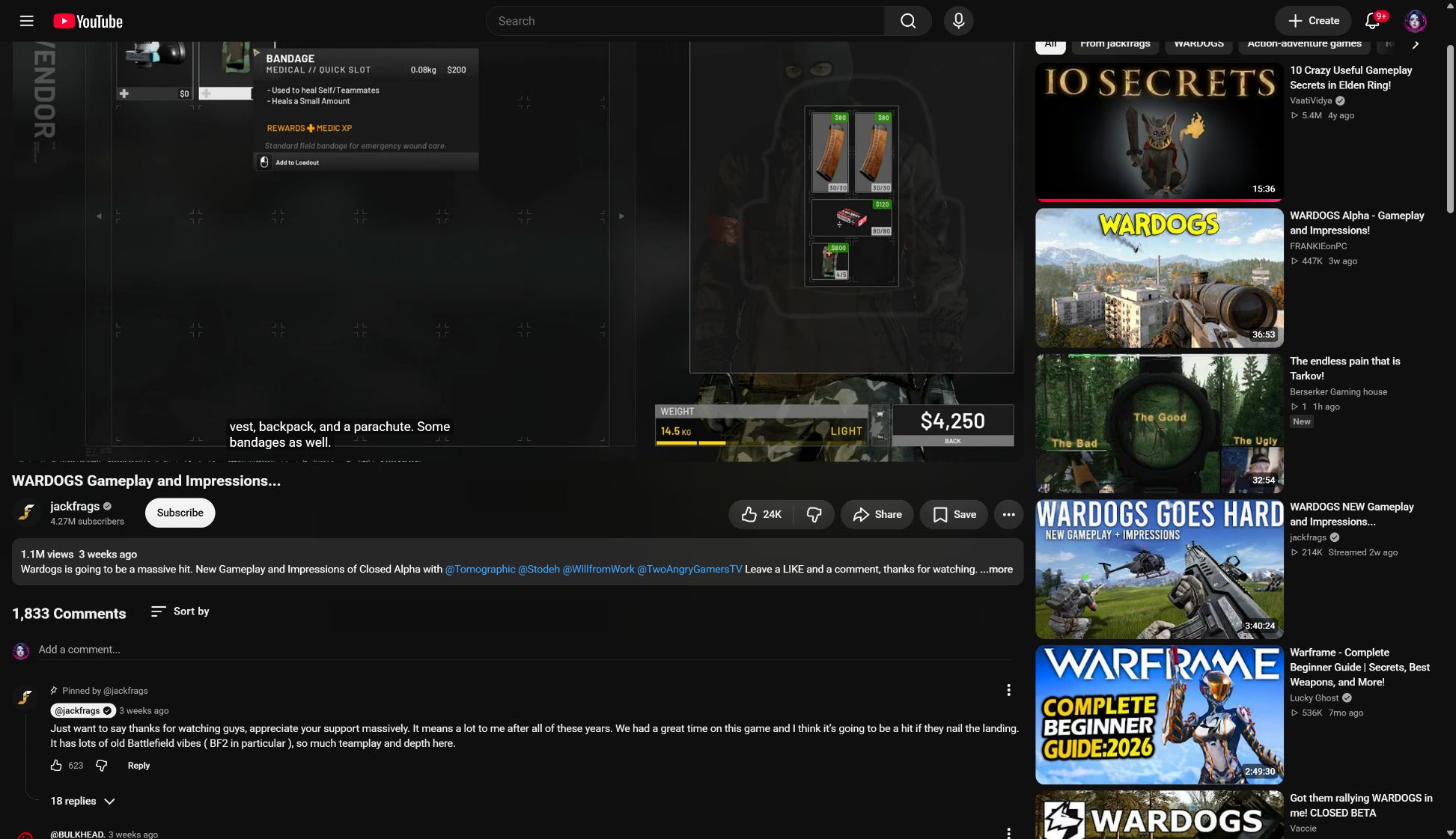
Because WARDOGS renders dense foliage and heavy armored vehicles, the default “Epic” preset causes heavy frametime spikes. The table below breaks down the render thread targets for competitive players:
| Pipeline Stage | Component Processed | Target Budget | Tuning Priority |
|---|---|---|---|
| CPU Game Thread | 100-Player Network Tick, 1500+Supply Inventory | < 6.0ms | High (Close background apps) |
| Render Thread | Draw Calls, Occlusion Culling | < 5.5ms | Critical (View Distance: High) |
| GPU Shaders | Shadow Cascades, Water Reflections, Lumen | < 7.0ms | Critical (Set to Screen Space) |
How do you fix UE#5 shader cache stuttering in WARDOGS?
The most common performance complaint on Steam and Reddit is a sudden 1-to-2 second freeze when entering new points of interest (POIs). This is caused by dirty or corrupted PSO (Pipeline State Object) shader caches accumulating after patches.
How do you toggle DLSS Frame Generation without restarts?
In Early Access, you can enable or disable NVIDIA DLSS Frame Generation (DLSS-G) without an onerous client reboot:
- Set Display Mode to Borderless Windowed.
- Toggle DLSS Frame Generation to
Enabled. - Set NVIDIA Reflex Low Latency to
Enabled + Boost. - Press
Alt + Entertwice to toggle fullscreen swap. This flushes the DirectX 12 swapchain and rebinds the Optical Flow Accelerator immediately.
Frametime Latency and NVIDIA Reflex Pairing
- optimal fluidity and input responsiveness:
- Normal Native 70 FPS: ~14.2ms input latency.
- DLSS-G 130 FPS (without Reflex): ~15.5ms input latency.
- DLSS-G 130 FPS (with Reflex + Boost): ~10.8ms input latency (Best response for competitive shooting).
How do you fix blurry foliage with CAS Sharpening?
Unreal Engine 5’s default temporal upscaler smears pine cups, bush leafets, and desert creepers, making it hard to spot prone snipers.
- In Display & Graphics, set Anti-Aliasing to
TELS QualityorTSR. - Locate the FidelityFX Contrast Adaptive Sharpening (CAS) slider.
- Set the slider to exactly 65%.
- Values below 50% leave bushes blurry; values above 80% cause shimmering white halos around trees while spinning your mouse.
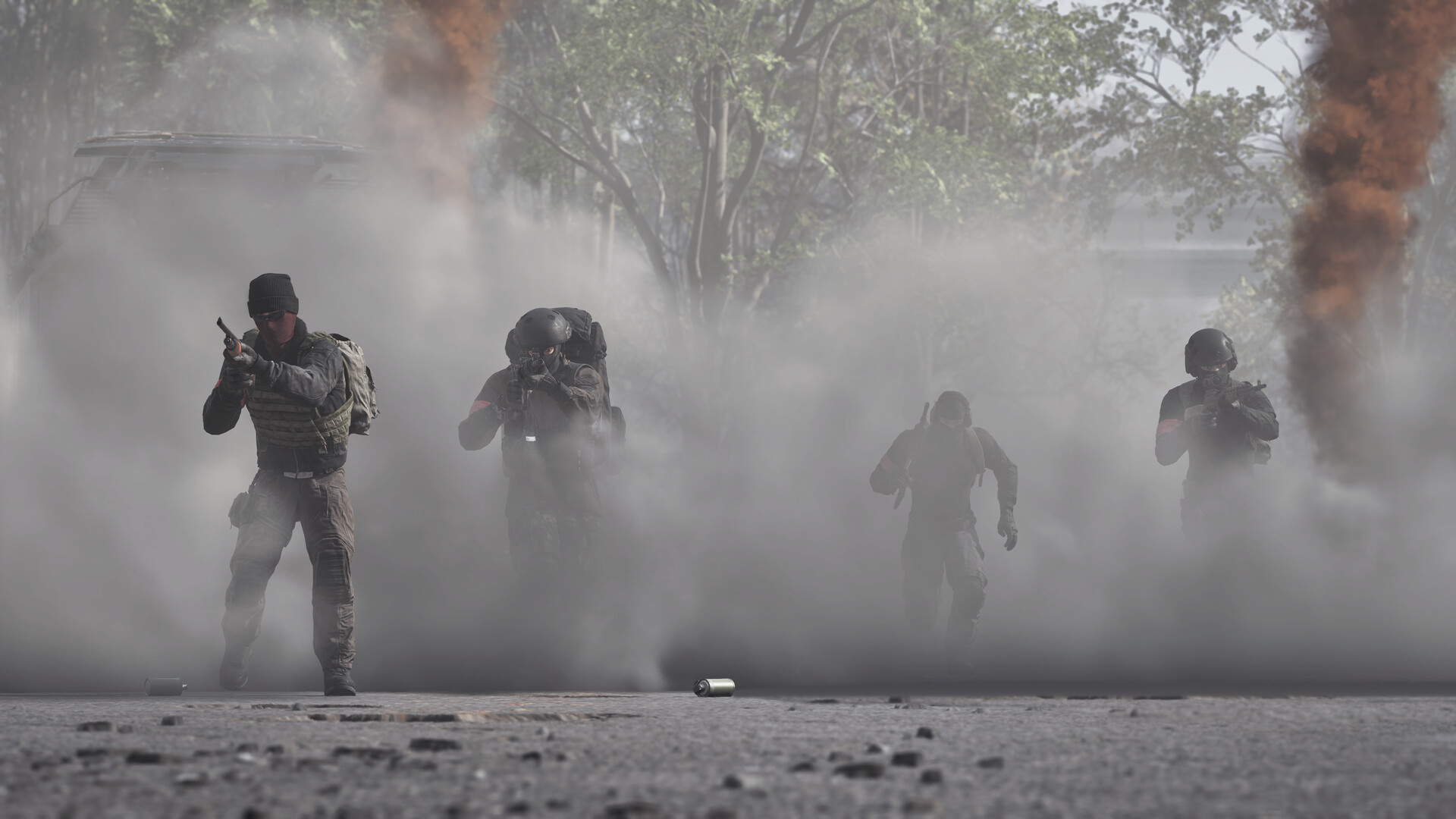
Competitive Graphics Settings Benchmark Table
The following profile maximizes framerate and enemy silhouette contrast:
| Setting | Performance Impact | Competitive Clarity | Recommended Value |
|---|---|---|---|
| Display Mode | 0% baseline | Maximum | Borderless Windowed |
| Upscaler Technology | +28% FPS | Excellent | DLSS / FSR Quality |
| FidelityFX CAS Sharpening | Under 1% FPS | Exceptional | 65% |
| View Distance | -8% FPS | Critical | Epic (spots enemies at 800m+) |
| Shadow Quality | -22% FPS | Low | Medium (prevents 3-level cascade freezes) |
| Global Illumination | -34% FPS | Moderate | Screen Space (disables vram-eating Lumen) |
| Post-Processing | -4% FPS | Low | Low (disables chromatic aberration) |
| Effects Quality | -12% FPS | Moderate | Medium (preserves clear smoke boundaries) |
| Foliage Quality | -16% FPS | Critical | Medium (reduces dense grass hiding enemies) |
| Motion Blur & DOF | -6% FPS | Detrimental | Off (always disabled) |
| NVIDIA Reflex | Under 1% FPS | Critical | Enabled + Boost |
What is the optimal helicopter flight control configuration?
Pilots transitioning from casual shooters often crash because WARDOGS simulates wind velocity, rotor torque, and collective inertia. See our Helicopter Flight School for detailed advanced maneuvers.
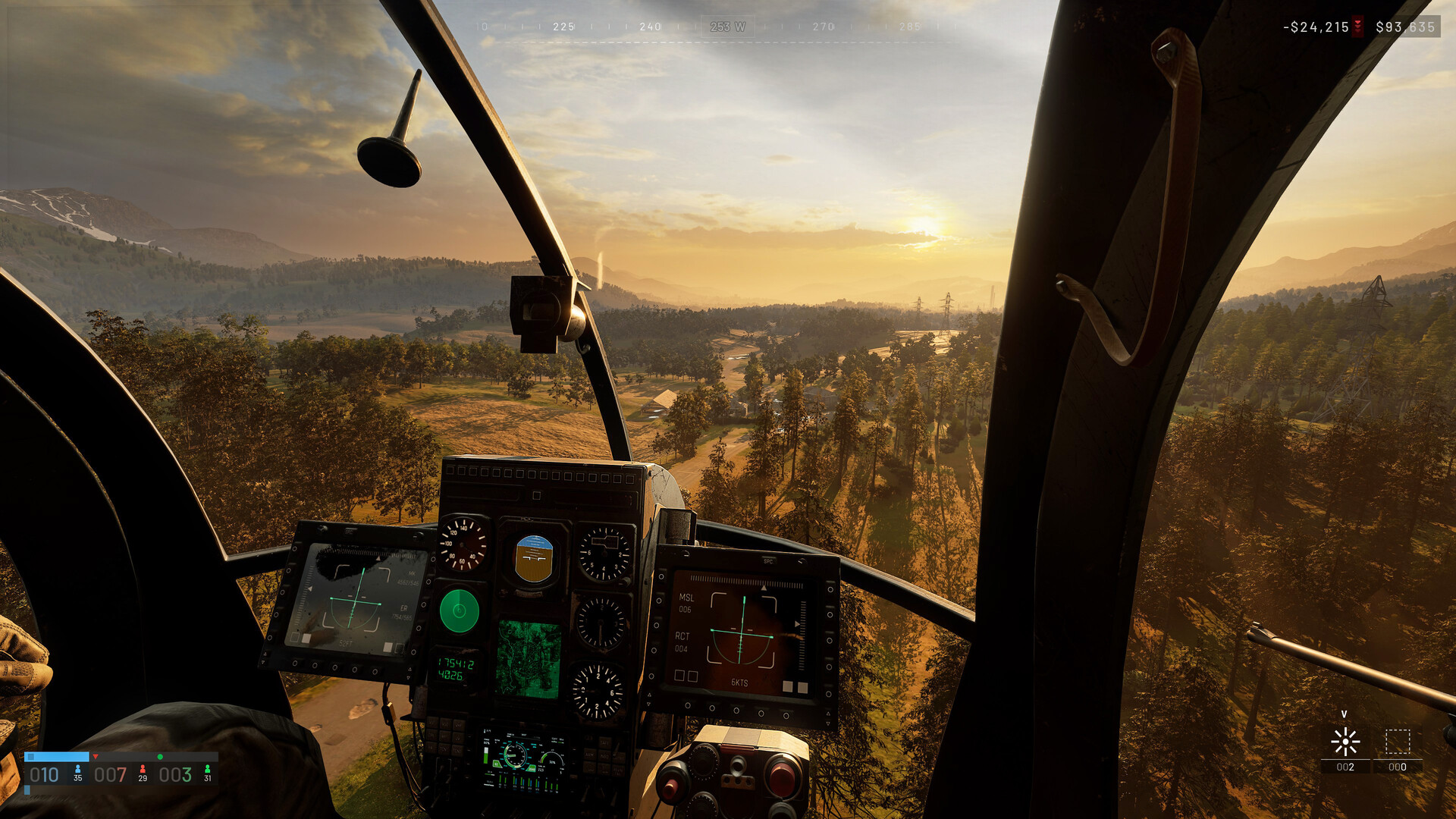
Recommended Flight Keybinds
| Flight Control | Keyboard / Mouse Mapping | Controller (Gampad) Mapping | Tactical Note |
|---|---|---|---|
| Collective (Throttle) Up | Left Shift or Space | Right Trigger (RT) | Higher rotor lift |
| Collective (Throttle) Down | Left Ctrl or C | `Left Trigger (LT� | Controlled auto-rotation descent |
| Pitch Forward (Nose Down) | Mouse Y-Axis (Forward) or W | Left Stick Up invert | Increases forward flight speed |
| Pitch Back (Nose Up) | Mouse Y-Axis (Back) or S | Left Stick Down invert | Brakes airspeed for J-Hook landings |
| Roll Bank Left/Right | A / D | Left Stick X-Axis | Bank control (keep sensitivity at 0.45) |
| Yaw (Tail Rudder) Left/Right | Q / E | Right Stick X-Axis | Horizontal turning and nose alignment |
| Freelook Toggle | Left Alt | Right Stick Click (R3) | Hold to scan LJ while maintaining heading |
How should you bind Lean and Tank Turret Controls?
Lean Toggle vs Lean Hold
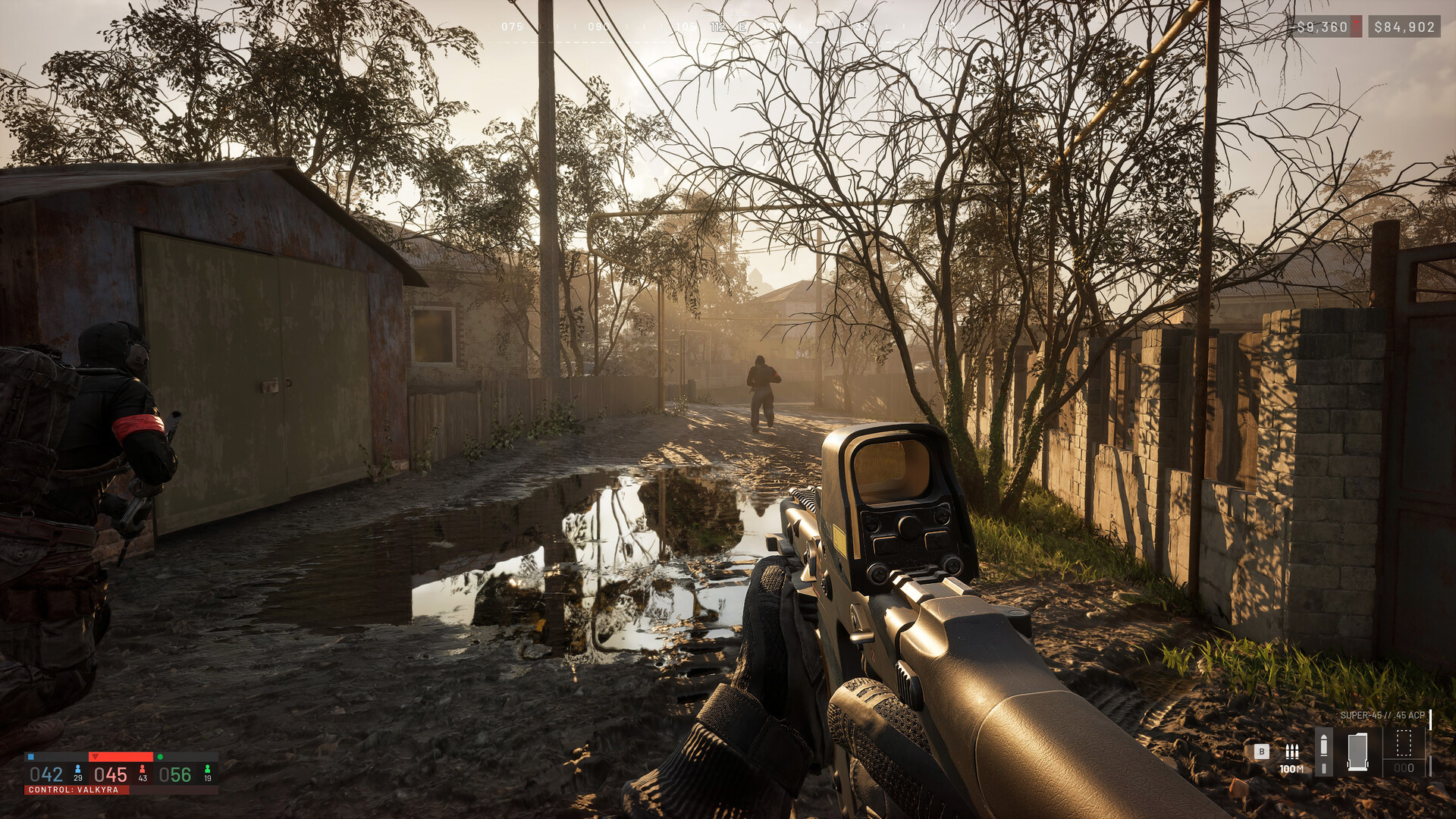
By default, WARDOGS sets Lean (Qean and F) to Hold. When holding aQorE, your fingers cannot smoothly strafe using AandD`, making you an easy target.
- Change Lean Input Mode to Toggle in Controls > Infantry.
- This allows you to tap
Qonce to peek round a corner, use your full wasing-strafe movement, then tap again to retract.
Tank Turret Angular Slew Rates
In WARDOGS, heavy vehicle turrets have fixed hydraulic traverse speeds capped by the engine. Read the Tanks and Armor Guide for designated vehicle specs:
| Vehicle Class | Maximum Turret Traverse Rate | Aiming Technique |
|---|---|---|
| Main Battle Tank (LrA6) | 24.0 degrees / second | Lead your target smoothly; never flick your mouse |
| IFV Autocannon | 42.0 degrees / second | Moderate angular tracking |
| Armored Recon Car | 65.0 degrees / second | Fast traverse, suitable for quick counter-ambush |
When operating a tank, sweep your mouse smoothly ahead of enemy movement rather than flicking your wrist. Overshooting your aim forces you to wait for the gun mantlet to catch up, losing crucial seconds during armored duels.
What field of view (FOV) is recommended?
A FIELD OF VIEW (FOV) between 90 and 95 offers the optimal competitive balance in WARDOGS.
- FOV below 85: Causes tunnel vision, making it prevalently easy for flanking mercenaries to engage you undetected.
- FOV above 105: Creates a “fish-eye” distortion where enemy player models at 300+ meters appear reduced to infinitesimal pixels, making long-range infantry gunfights unnecessarily difficult even with magnified scopes.
FAQ
How do I fix sudden 1-second frame hitches and stutters in WARDOGS?
Should I use DLSS Frame Generation in WARDOGS?
What is the best lean keybind setting?
Related videos

Where are you headed next?
Related Intel
guides
WARDOGS Twitch Drops Guide: Link Account, Claim Rewards and Fix Missing Items
Claim all WARDOGS Season 1 Twitch Drops before September 30, 2026. Step-by-step account linking guide, reward tiers, and how to fix missing inventory items.
guides
Infantry Anti-Tank Guide: Armor Combat and Mobility Kills
Stop armored vehicles as infantry in WARDOGS: avoid front Red Zone armor, score mobility kills on tracks/engines, and master IED/C4 math.
guides
WARDOGS Launch FAQ: System Requirements and Platforms
Official WARDOGS launch FAQ: PC system requirements, 3-team KotH genre details, $39.99 zero-MTX policy, GeForce NOW, and 2028 console release.
Was this intel helpful?
Thanks for the feedback!